Starting a Conversation
Quick chats are ideal for asking one-off questions or getting immediate help with the document you're working on.
Starting a conversation
-
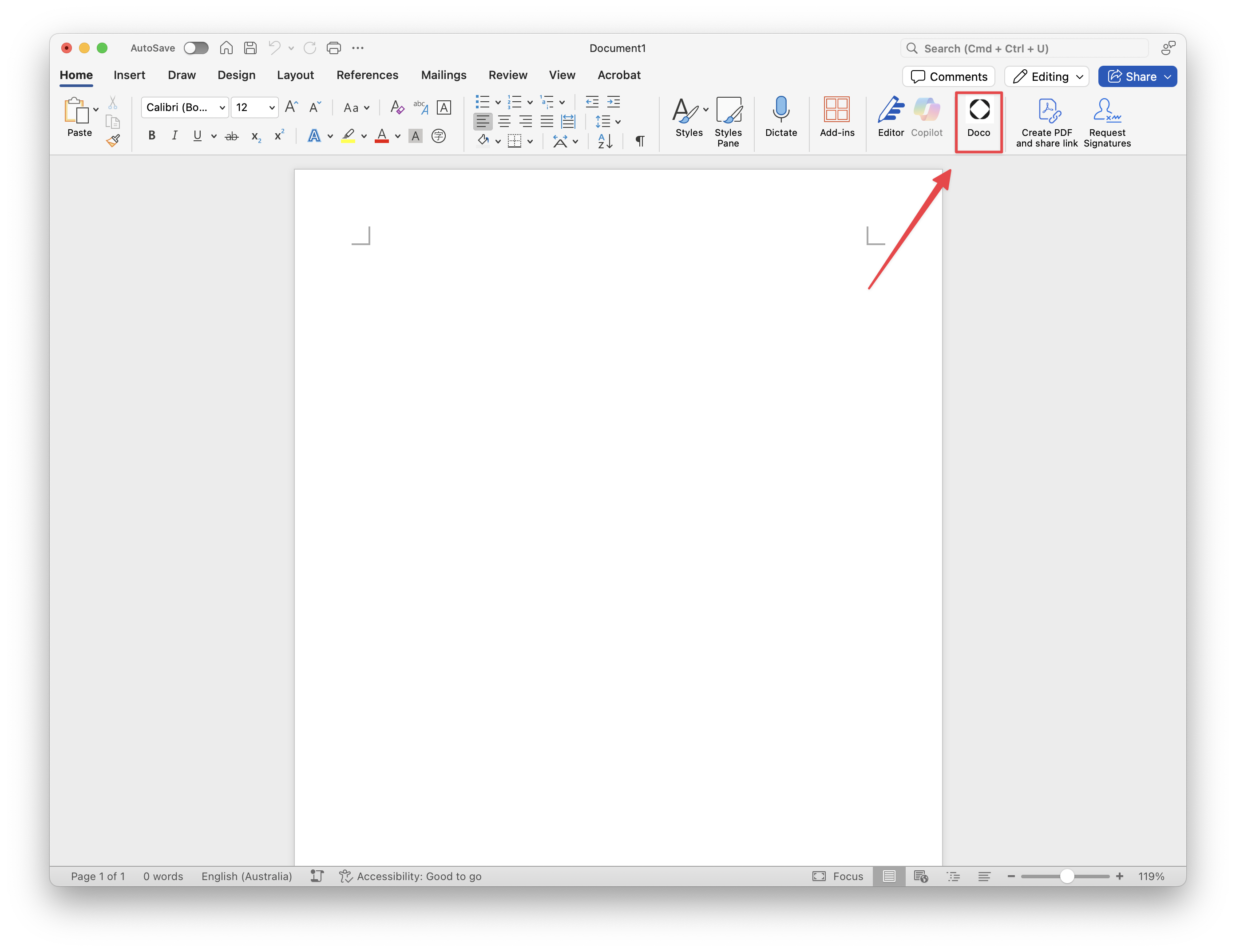
Open the Doco pane (if not already open).
-
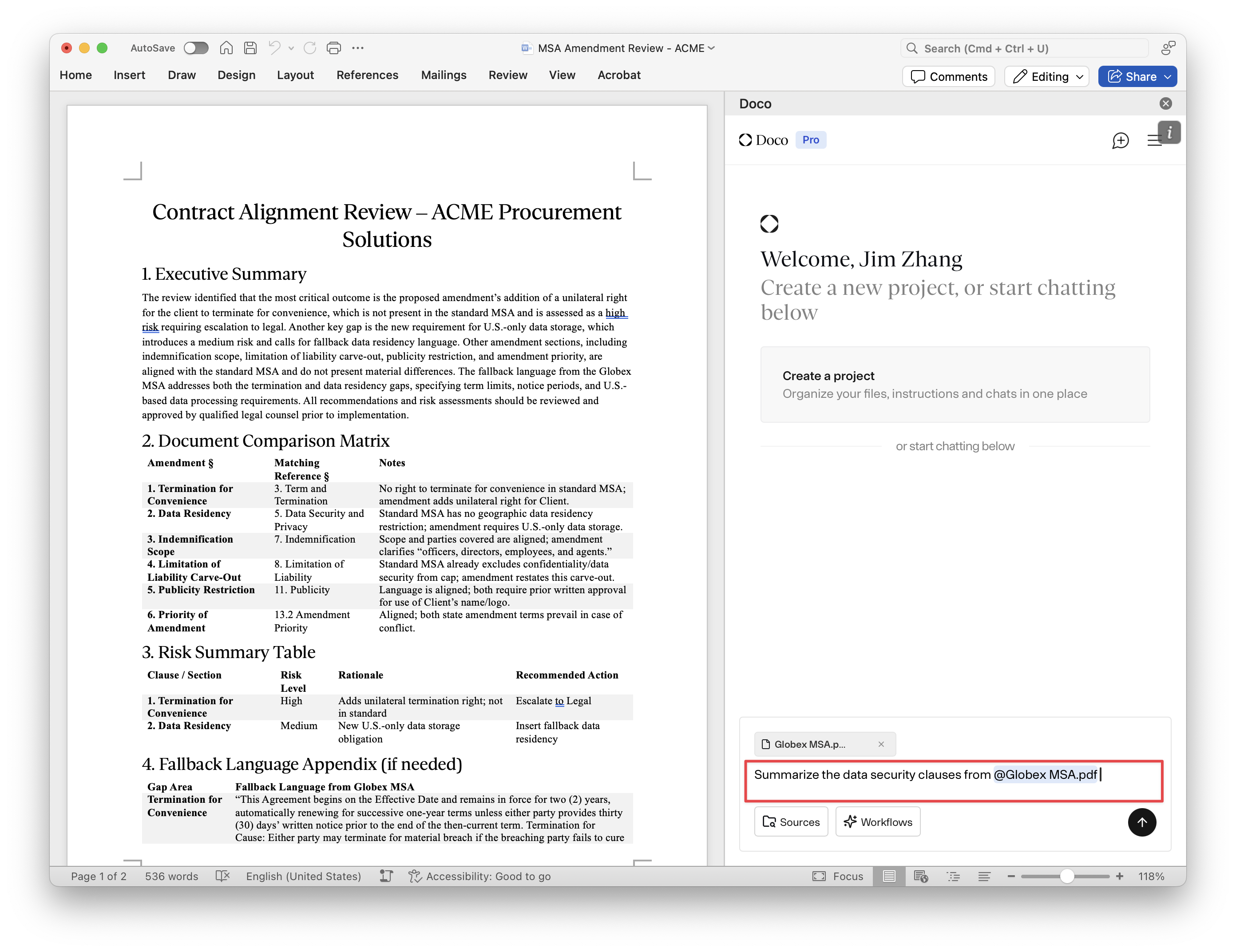
Type your request in plain English in the input box at the bottom.
-
(Optional) Use
@to reference specific content from your Library (e.g., files or past project uploads). -
Press Enter or click the arrow button to submit.
Examples
- “Summarize this section in 3 bullet points.”
- “What’s the tone of this paragraph?”
- “Translate this into Portuguese.”
- “Find inconsistencies in the document.”
The AI will respond within a few seconds, directly in the task pane.