Project and Chat History
Doco saves your projects and chats so you can always pick up your work where you left off, and reference back. Chat history can be accessed via Doco's sidebar:
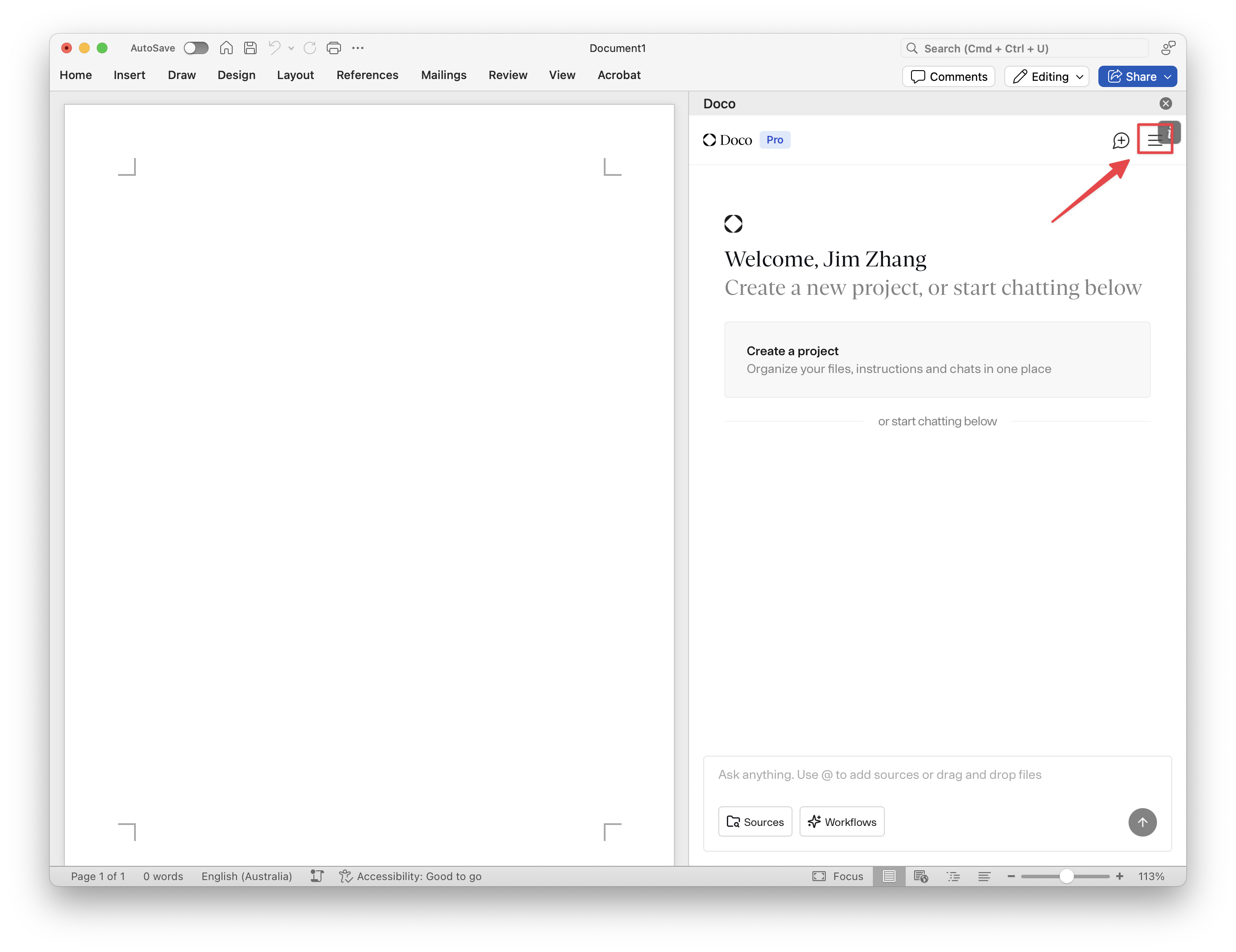
Recent Chats Breakdown
Projects
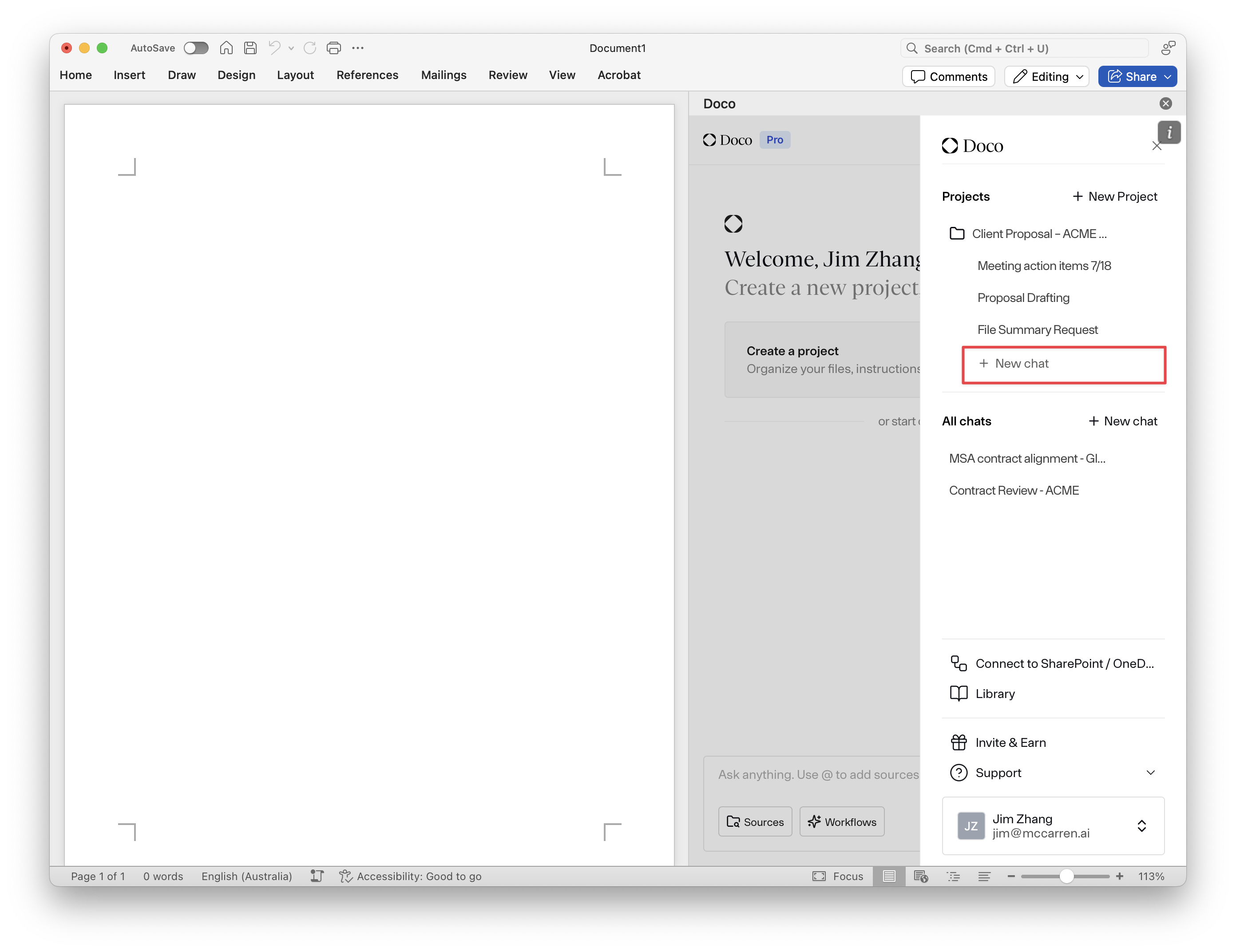
Group related chats under specific projects (e.g., "Client Proposal - ACME Corp.")
- To create a new project and for more detailed instructions, see Creating a Project.
- To start a new chat related to a project, click into the project and clicking on the "+ new chat" button. A new chat within the project will be created.
- Note that only chat created under the project will inhereit the context of the project.
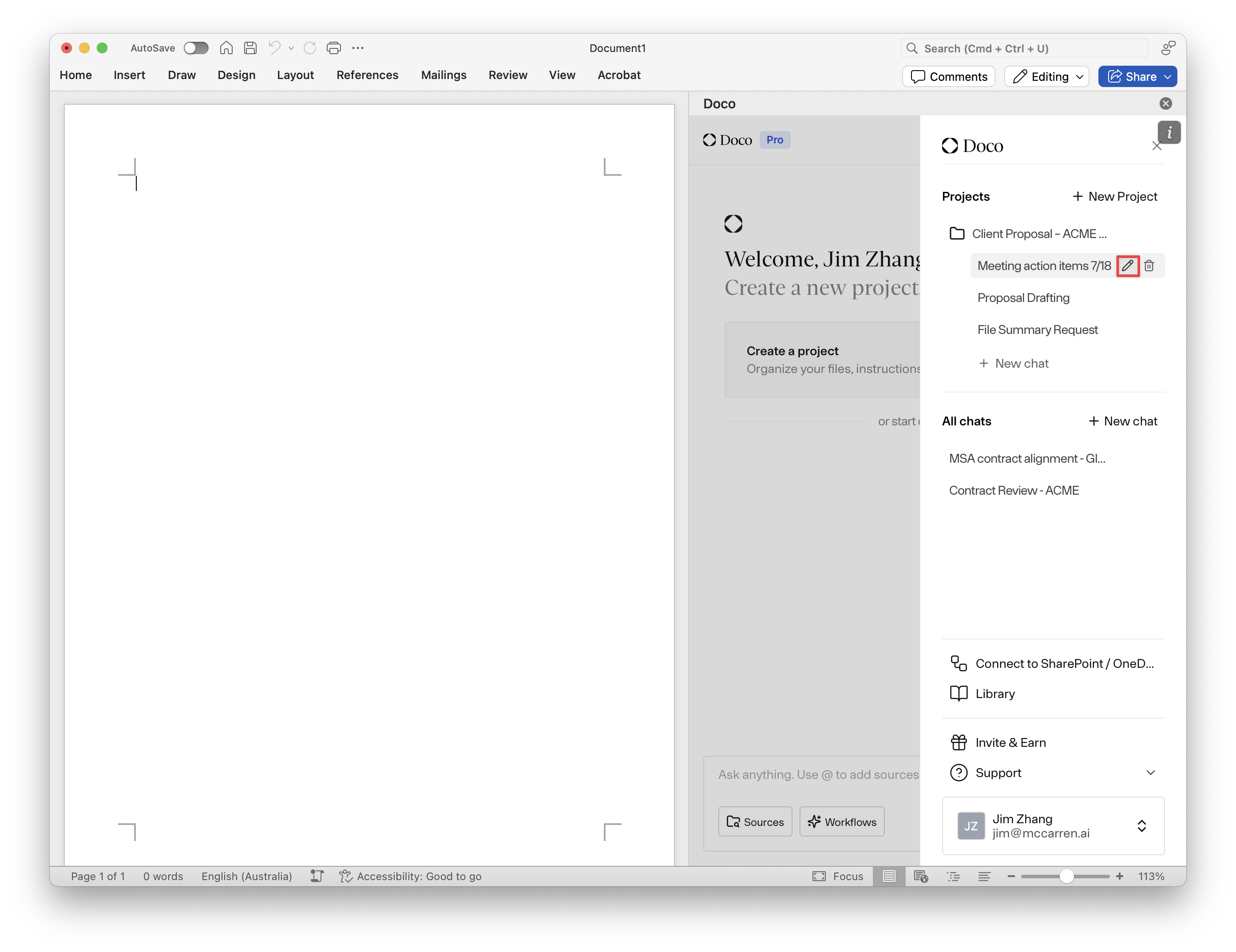
- To rename a project / chat, click on the pen icon.
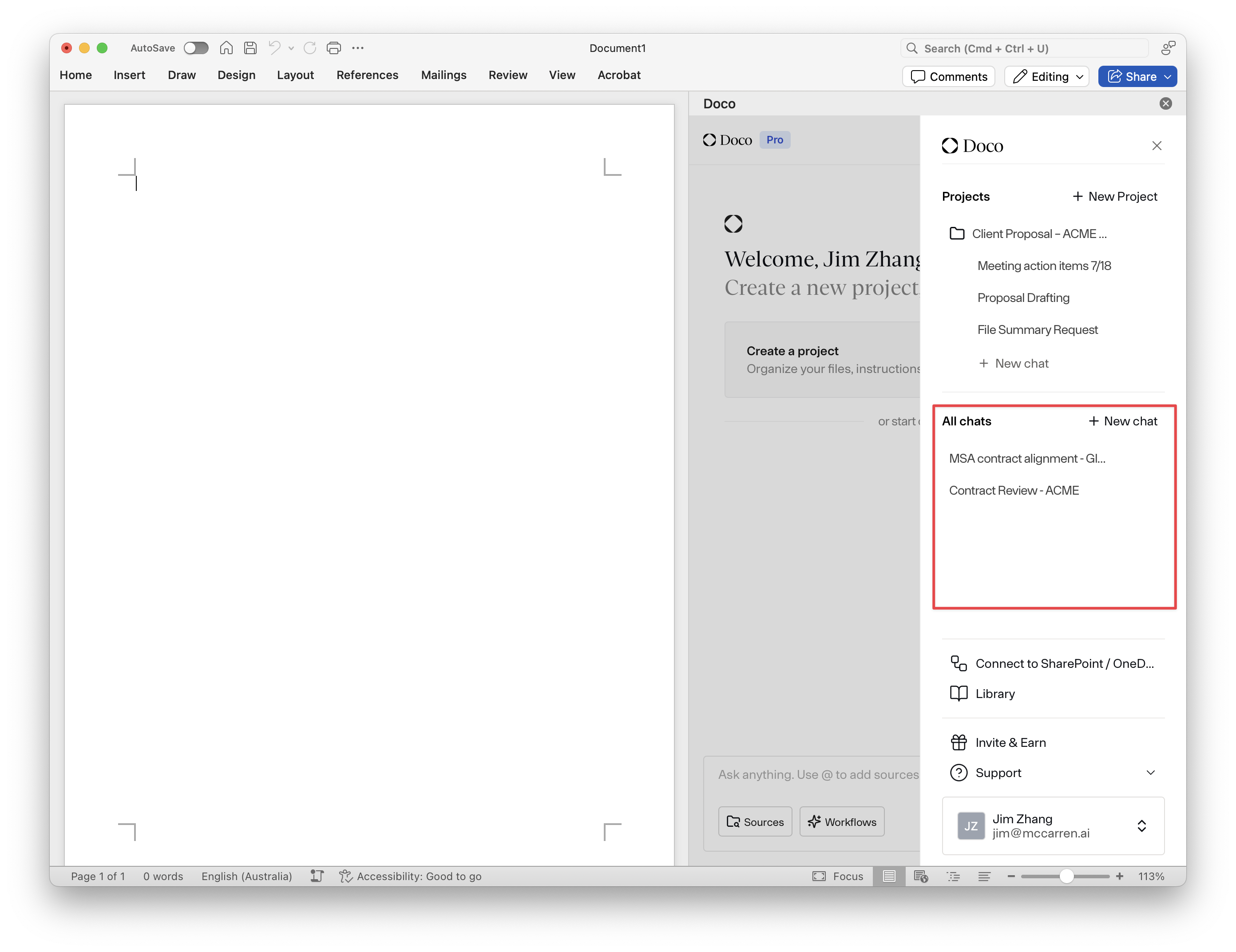
All Chats
All non-project related chats are stored in the all chat section of the project. You can view and search your complete chat history here. Quickly jump back into recent conversations (e.g., "MSA contract alignment - Globex").
The recent project and chats feature allows you to effortlessly manage and resume your AI-assisted work within Word.